

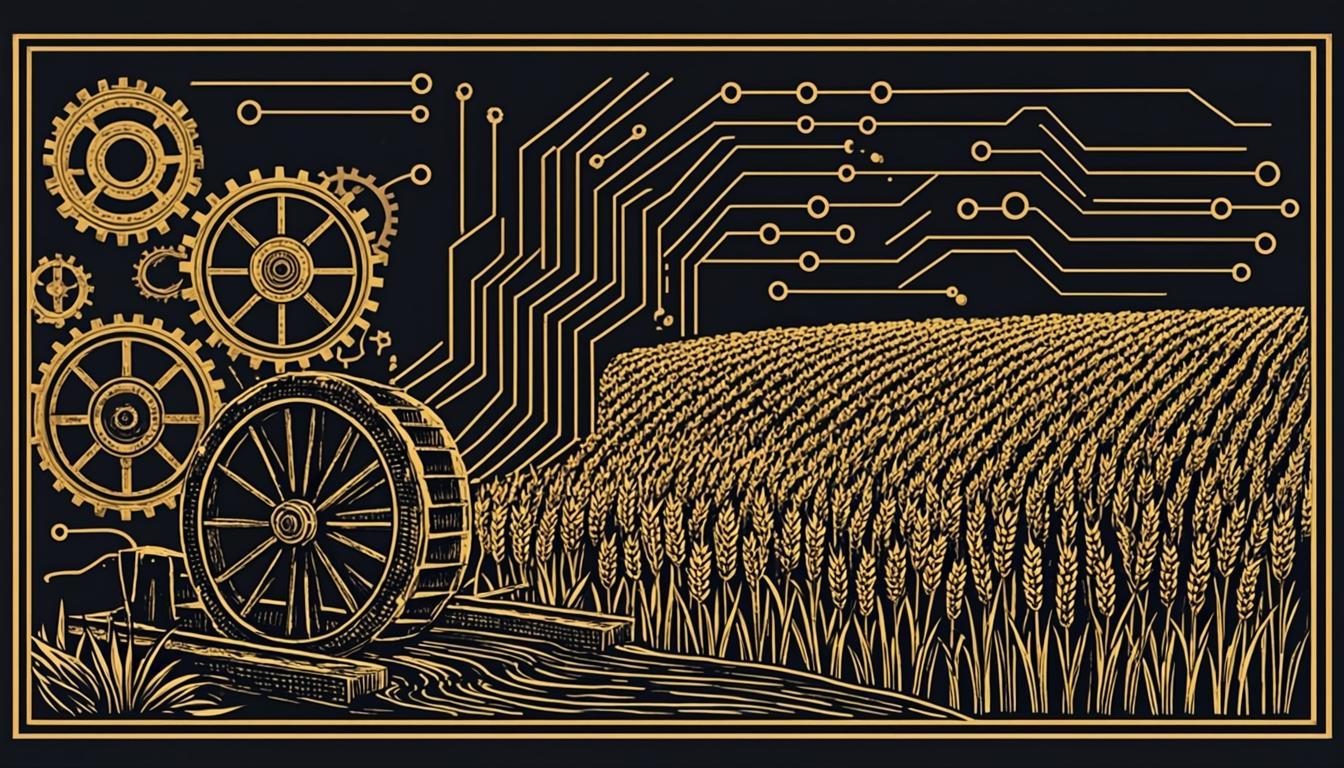
The Yield
Automation is the third step of everything we build. Design plants the seed. Engineering raises the structure. Automation is the yield — AI systems that keep the harvest coming while you work on the parts only you can do. In 2027 this is no longer a big-company toy. The tools are cheap, the glue is software we can build in weeks, and the businesses that feel the difference first are the small ones, because every hour saved is a bigger share of a small payroll.
Here is what AI automation actually means in 2027, what we build, and the principle that keeps it safe: you approve what matters.
What AI automation is — and what it is not
It is not a robot replacing your team. It is a set of quiet flows that draft, sort, route, remind and report, so the repeat work stops eating the day:
- A lead lands at 22:14. The system logs it, enriches it, drafts a reply in your voice, and files it for your morning approval.
- A booking is made. Calendar updated, confirmation sent, reminder scheduled, review request queued for three days later.
- Month-end arrives. The report on traffic, leads and bookings assembles itself and lands in your inbox before the coffee is poured.
What it is not: an unsupervised bot with your brand's name on it, free to promise whatever it likes. Every flow we build has a human checkpoint where it counts. The machine does the typing. You approve the promise.
The automations earning their keep in 2027
These are the flows we build most often, roughly in order of payback speed:
1. Lead intake to CRM. Every enquiry — form, WhatsApp, email — captured, deduplicated, tagged and dropped into your pipeline with a draft first reply waiting for approval. Nothing sits in an inbox nobody watches.
2. Booking and reminders. Cal.com or Google Calendar synced to your site, confirmations out instantly, no-show reminders before the gap hurts. Payments through Stripe or PayFast settled on the same flow.
3. WhatsApp replies and follow-ups. For South African businesses WhatsApp is the front desk. Drafted responses to the ten questions you answer every week, plus polite follow-ups to quotes that went quiet.
4. Quotes and invoices. Standard jobs generate their own paperwork from a template, with your terms, your banking details, no retyping and no version four named FINAL_final2.
5. The weekly report. Site traffic, leads, bookings and what changed, assembled from your analytics and CRM into one page you will actually read.
6. Content ops. Draft posts and product copy prepared from your service pages for you to approve — feeding the research-article habit that makes you citable in AI answers.
7. Ops alerts. Stock low, job overdue, booking cancelled. The system notices, you find out once, with the fix proposed.
That is the shape of it in 2027: not one giant robot, but a dozen small flows, each taking a chore off a real person's Friday.
Where the work happens: your stack, not a new one
We connect automations into the tools you already run — Cal.com, Google Calendar, Stripe or PayFast, WhatsApp, your CRM, your email. Where nothing off the shelf fits, we build the missing piece, the way we built the member portal and operations software for Ezulwini or the flows inside Chiflows and Agency OS.
The same ownership rule applies to automations as to websites: yours to keep. Code, accounts and every login handed over. No lock-in, no per-seat ransom, no platform fee hidden in the middle. Stay for the care plan, or take the whole machine with you.
The human approval principle
Here is the line we do not cross, and we think no small business should:
- Automated without asking: logging, sorting, scheduling, reminding, reporting, drafting.
- A human approves first: anything a customer receives as a commitment — quotes, promises, discounts, apologies, anything with a price or a deadline in it.
Automation drafts. You approve. A person takes over whenever you want one — for you and for your customers. That is the difference between a system that saves the weekend and a system that answers a complaint with a hallucinated refund policy. We design every flow so the embarrassing failure mode is impossible, and the boring repetition is gone.
How an automation project runs
Same discipline as a website build, because it is one:
1. Discovery call. Thirty or forty-five minutes. We map where the repeat work actually lives — you would be surprised what the third question reveals.
2. A dated plan, in writing. Which flows, in which order, what each one does, what it costs. You approve the scope and the price before a line of code is written.
3. Build in stages. The highest-payback flow first, live and tested with your real data before the next one starts. You see work as it lands.
4. Test with real submissions. Real leads, real bookings, real edge cases — not a demo with fictional customers.
5. Launch and monitor. The care plan keeps it healthy: hosting, maintenance, a monthly report, and two changes a month as your process evolves.
Custom software and automations are quoted after the discovery call, because honest pricing is written after the scope is understood, not before.
What it costs and when it pays
Straight answers: a single flow — lead intake to CRM with approved replies, or booking with reminders — is typically a small build measured in weeks, priced after discovery and agreed in writing. Stacked flows share plumbing, so the third flow costs less than the second. The care plan at $150 a month keeps everything maintained, monitored and reported.
The payback math is not mysterious. Take the chore that eats four hours a week, price the build, divide. Most of our clients are ahead within a quarter — and the compounding part is not the hours, it is the leads that stopped leaking: replies sent same-evening instead of three days later, no-shows reminded instead of forgotten, every enquiry in the pipeline instead of in a spam folder.
Plant the first seed
Book a 30 or 45 minute discovery call or email [[email protected]](mailto:[email protected]). Bring us the chore you hate most. We will tell you plainly whether AI should be doing it, what it costs, and what it saves.
Plant the first seed. Let's talk.
Questions.
Will AI automation replace my staff?
No — it replaces the chores, not the people. The flows take over logging, sorting, reminding and reporting. Your team keeps the conversations, the judgement and the relationships, with far less typing between them.
Which tools do you connect to?
The ones you already use: Cal.com, Google Calendar, Stripe, PayFast, WhatsApp, your CRM and your email. If nothing off the shelf fits the job, we build the missing piece as custom software, and you own it outright.
Is my business data safe?
Flows run on your accounts with scoped access, customers never see the machinery, and anything a customer receives as a commitment goes through human approval first. We document exactly what each automation can and cannot touch before it goes live.
How long does an automation take to build?
A single flow typically takes two to three weeks from agreed scope to launch. Stacked flows run longer on a dated plan, with the highest-payback flow live first.
What does it cost?
Quoted after a discovery call, with the price agreed in writing before work starts. Care plans are $150 a month and cover hosting, maintenance, two changes a month and a monthly report. No lock-in, and you keep the code either way.